When we launched Seer, our AI debugging agent, we built it on a core belief: production context is essential for understanding the complex failure modes of real-world software. Seer uses the detailed telemetry that Sentry collects (errors, spans, logs, metrics, and more) to accurately root cause and fix bugs. Because this telemetry is trace-connected, Seer can deterministically traverse all the data relevant to a problem rather than relying exclusively on imprecise time-range searches.
Coding agents can find some bugs by reading source code, but others are only reliably identifiable by observing runtime behavior. In distributed systems, failures often cross network boundaries: an unhealthy service can trigger timeouts or cascading failures elsewhere, and some issues only occur under load. The same applies to understanding performance characteristics. A p95 latency spike might stem from lock contention, a saturated connection pool, or other root causes not obvious from the code. Runtime context provides the evidence Seer needs to accurately diagnose and fix these real-world problems.
While fixing bugs in production will always be a critical use case, the best bugs are those you never ship.
Today, we’re shifting left and expanding Seer’s capabilities to help you debug during local development and code review, alongside a new flat price for unlimited use.
Debug as you build locally
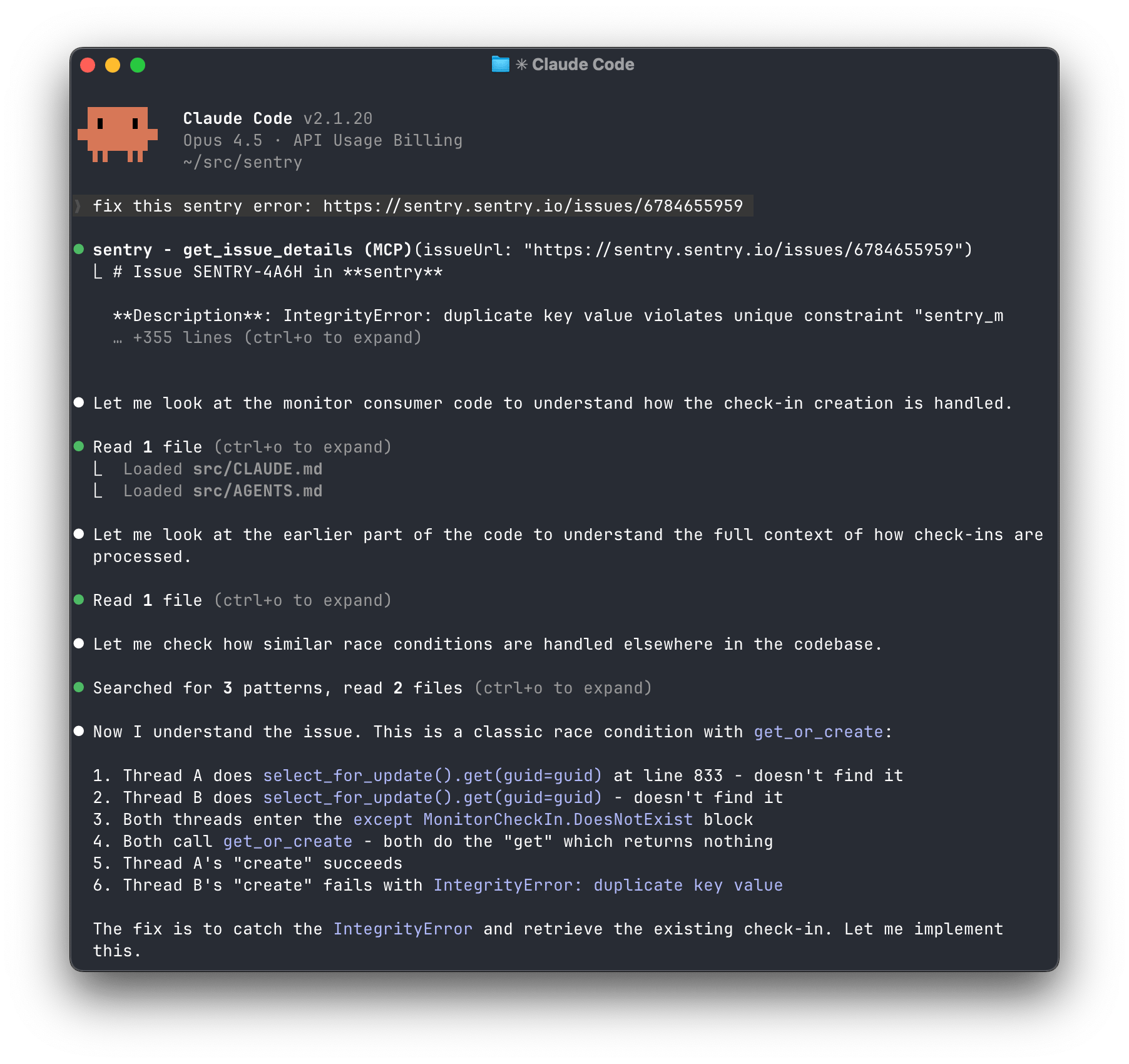
Bugs are easiest to fix at the moment they’re introduced. The Sentry MCP server connects your local coding agent to a powerful debugging feedback loop, enabling you to catch and resolve issues during development rather than in code review or production. As you reproduce bugs locally, telemetry flows from your application to Sentry, where the agent can access raw events for context or invoke Seer to run a full root cause analysis. Your coding agent gets everything it needs to generate a patch before the code leaves your local environment.
Code review that catches real defects
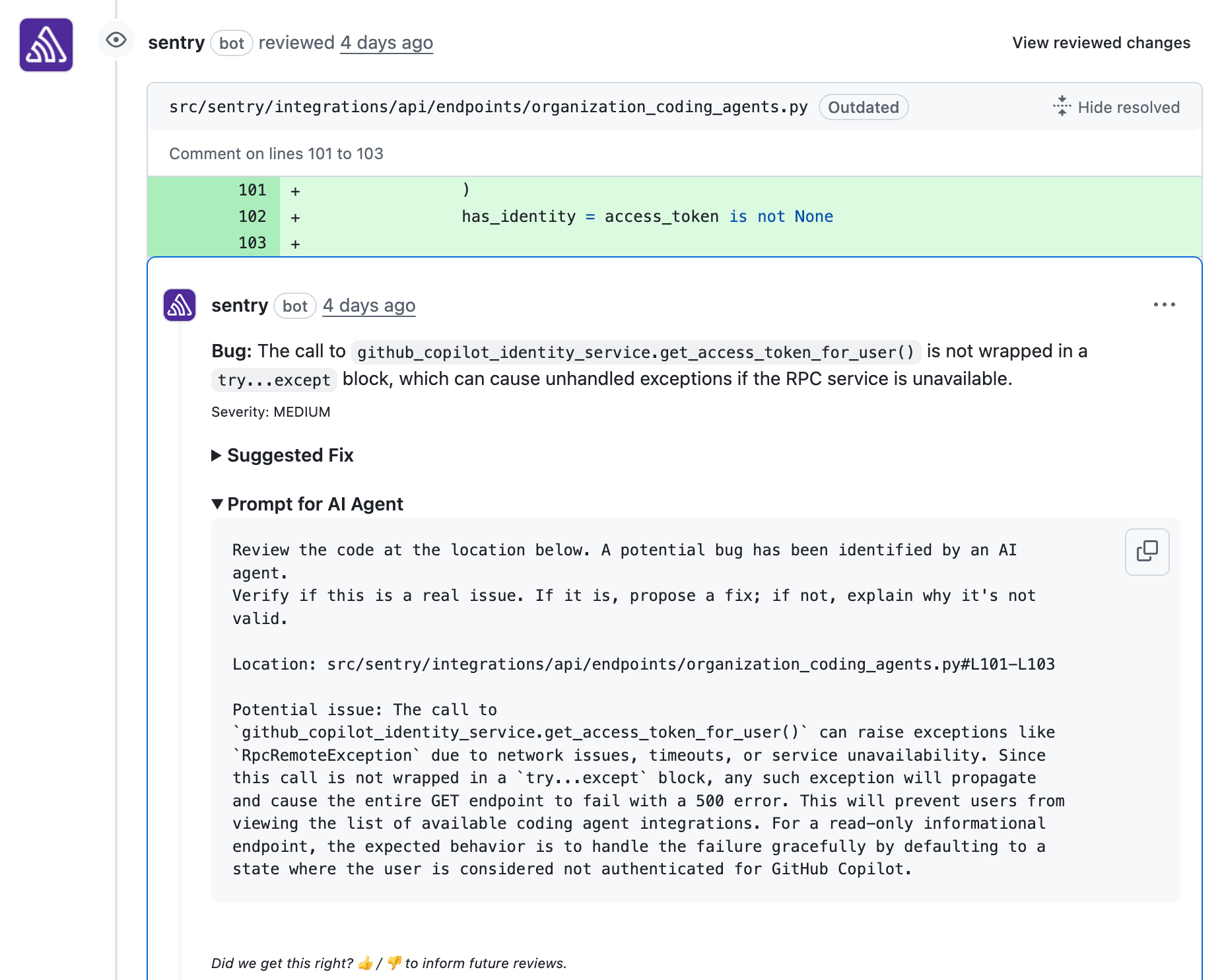
Still, no local environment catches everything. For bugs that slip through, Seer steps in at code review time, identifying issues in your pull request before they’re merged. Seer focuses on finding real bugs that risk breaking production, not low-signal suggestions or stylistic nitpicks. Catching these defects at review time means fewer incidents, faster releases, and less time spent debugging in production.
If you already use Seer, set up code review by installing the GitHub integration and connecting GitHub repos in Seer Settings.
Automate root cause analysis in production
Even with these safeguards, some bugs will reach production. When they do, Seer identifies the most actionable issues and automatically uses your runtime telemetry to determine the root cause in the background. When Seer is highly confident that an issue is actionable, it can go further and generate code changes to fix the bug, or delegate to coding agents like Cursor to implement the fix on your behalf.
Investigate the unknown
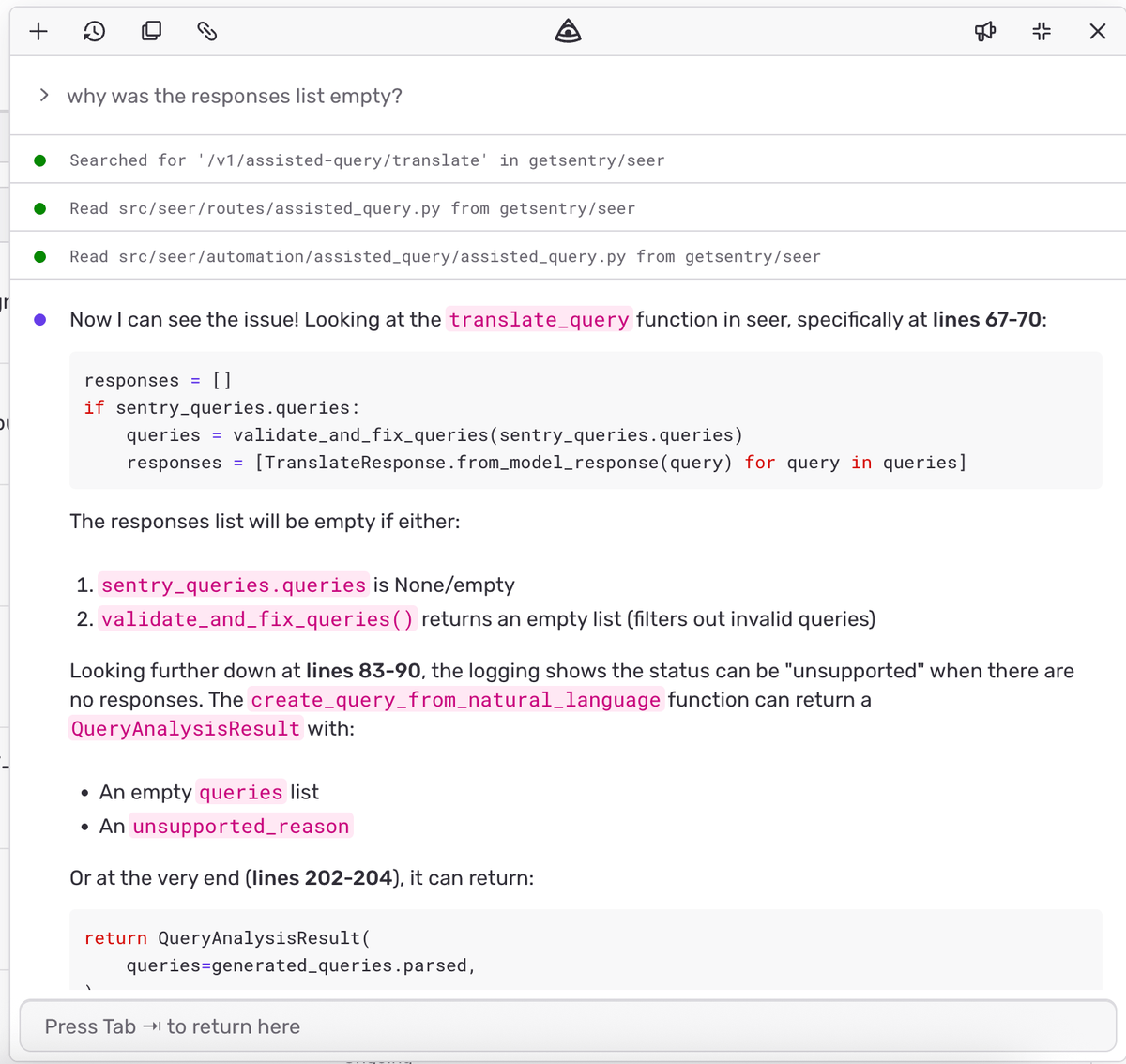
Seer’s automated root cause analysis works well when Sentry has already identified an issue. But sometimes the problem isn’t a bug that Sentry has flagged. A customer reports that something feels off, or a dashboard shows a metric trending in the wrong direction. For these less structured investigations, we’re building a new experimental capability: the ability to ask Seer open-ended questions about your data or anything you see across Sentry. Describe what you’re observing, and Seer will query across your telemetry to surface relevant patterns and anomalies, helping you turn your hunch into an actionable root cause.
This feature is currently in development, but it’s available in early preview for select Seer customers. Join this GitHub conversation to request access.
Unlimited debugging for one flat price
Along with these expanded capabilities, we’ve simplified pricing. Seer is now $40 per active contributor per month, with unlimited use. There’s no need to manage seats or worry about overages; just connect the GitHub repos you want Seer to cover, and it will keep track of contributors automatically. Anyone who creates at least 2 pull requests in a connected repository during the month counts as an active contributor.
Debugging doesn’t happen at a single point in your workflow, and neither should your tools. Seer meets you where you are: in your development environment, in code review, and in production. Existing Sentry customers who use GitHub or GitHub Enterprise can activate a 14-day free trial in settings. New to Sentry? Here’s how to get started.
The all-or-nothing sendDefaultPii boolean is going away. dataCollection replaces it with a dial for each category of data, so you can keep the headers you debug with and drop the values you would rather not store.
A full roundup of everything that shipped for Sentry Logs this summer — log pinning, overhauled exports, chart enhancements, terabyte-scale search, and a pile of usability fixes.
A stack trace tells you where your game died, not why. Session Replay for the Sentry Unreal Engine SDK attaches the last few seconds of gameplay to every crash report so you can watch what actually happened.